Anyone know about using API and Microsoft PowerBI? I can connect but can’t find any monitoring data. Thanks
Hi–to my knowledge you’re the first QuantAQ user to attempt this. Congratulations 
Could you share more about what’s going wrong? / when you say you can connect, are you confident there’s no error?
A good endpoint to test might be the one that returns only your own account information (QuantAQ Cloud API | QuantAQ Docs). If you can get that data in, it’s a good sign that the authentication of your request is working, and we can move on to other issues that might be arising.
Thanks, and let me know if you have other questions.
I am using this connection in the web connector:
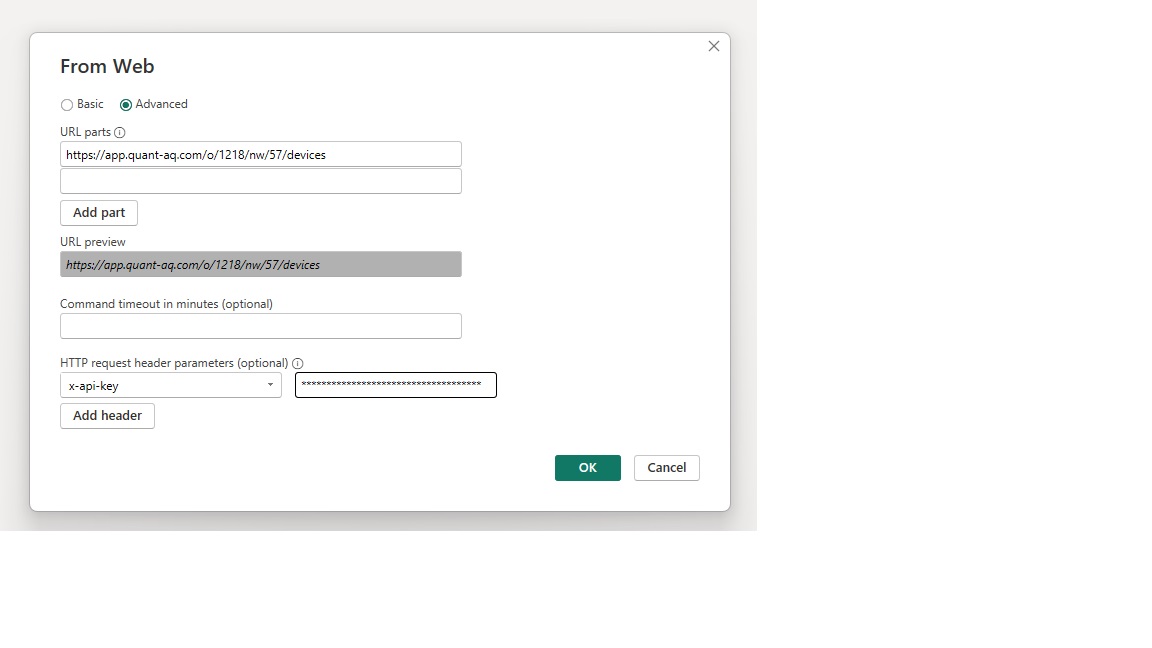
(I hid the API key)
And am able to pull in the info like I do with other data sources:
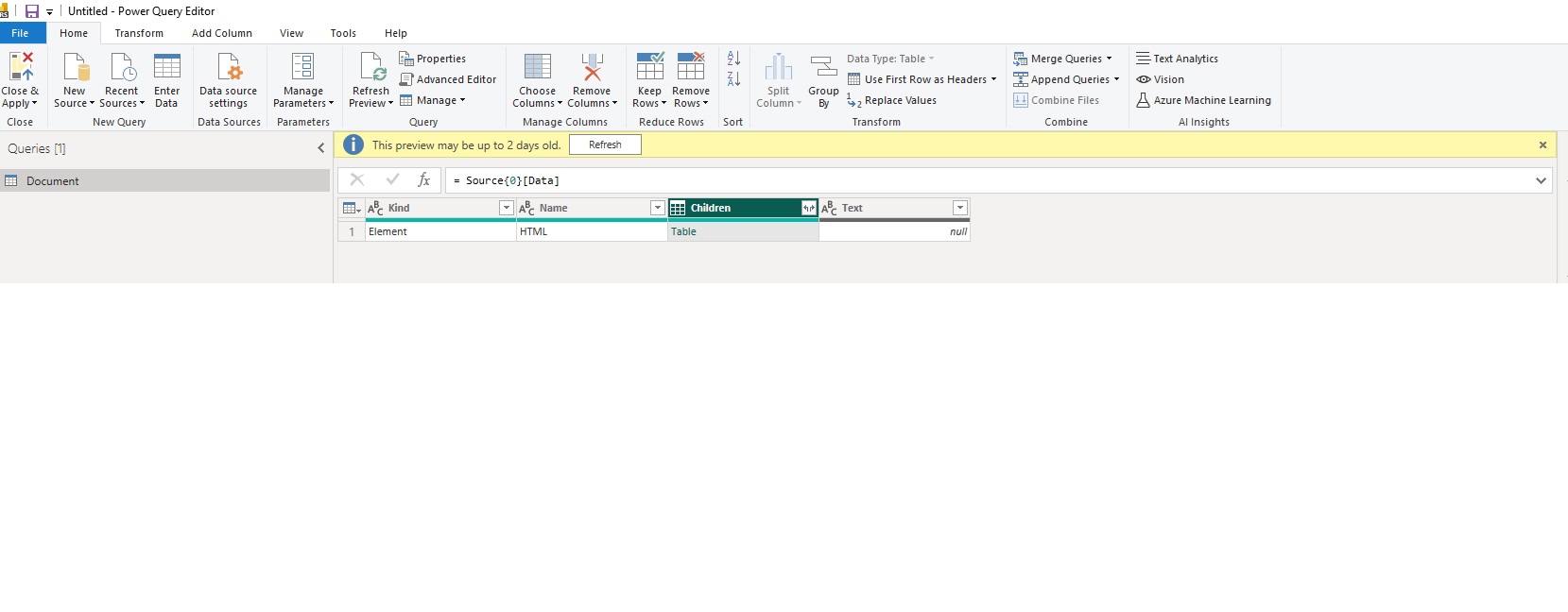
The problem is I can’t actually find the data.
I think I am using the wrong URL, but I’ve tried every one I could and do not see the monitoring data.
Hi–looks to me like you’re using the url from the web application in that dialog. To use the API, the url will be different, both in the domain (api.quant-aq.com) and the structure: QuantAQ Cloud API | QuantAQ Docs. For what it looks like you’re trying to do, I think something like https://api.quant-aq.com/v1/devices?org_id=1218&network_id=57 would probably work.
Note that by default the API paginates, with 50 entries per page, which may exceed the number of devices that you get. In that case, you’ll either want to handle iterating through the pages (not sure how that works in Power BI), or attach an additional parameter like “&per_page=100”, to get 100 in a page. The maximum value of per_page is 1000–if you have more objects than that, you’ll need to use pagination.
Let me know if this solves your issue, or if you have any questions.
I used the link you gave me and now I am getting this error:

It looks like I am connecting but am going to the wrong url now and Power BI won’t accept the redirect.
I did some research and I need to get a list of devices and then do a loop query based on the device list. I tried getting the list of devices but get the same redirect error.
Hi @mahouser - it looks like the authentication may be the issue? Have you tried setting up HTTP BasicAuth to encode the API Key? It looks like you’re using the Power BI UI - according to their docs, it should prompt you to authenticate after you’ve made the API call at which point you can select “Basic” and enter the username (API key) and password (leave blank).
That did the trick

How can I get the data now for all the sensors? I’m going to narrow down the device list based on the report needs.
Awesome. I’m glad that worked! To get data for all the devices, you’ll need to iterate over the serial numbers of the devices you’d like to grab data for. If you can summarize what you’re trying to do, I can at least write some pseudo-code for you that should be doable in Power BI.
Greetings again. I am able to pull the sensor data now, but it looks like I am only seeing the last 2 days. I see on the website that it mentions that data is deleted after 30 days, but I can see data in different visuals that go back months. Is there any way to get that historical data for long term trend analysis or do I need to download it and analyze historical data that way?
Another question - how can i get a complete list of devices in the network and their status? I can’t see the offline instruments when i pull the device list.
Hi @mahouser - what is the API call you’re making? The list of devices returned shouldn’t depend on the status of the device. If you can provide an example, I’ll look into it and see if there is a bug.
Hi @mahouser, sorry for missing this one. Data is never deleted from our platform. The files you create when downloading data are deleted after 30 days, but the actual data is not. You can download all data via the API. Can you provide an example of the API call you’re making?
I am doing 2 calls
Most Recent Data:
https://api.quant-aq.com/device-api/v1/data/most-recent/?org_id=1218&network_id=57
and
Device List:
https://api.quant-aq.com/device-api/v1/devices/?org_id=1218&network_id=57
When I merge them together using a Left Outer Join from the Most Recent Data to the Device list on data.sn, 5 devices info is missing:

Ahh okay. So if I understand correctly, the device list is returning all devices, but the most recent data call is not. Is that correct?
The other way around. The Most Recent is pulling all the data, but the device list is missing some sensors.
Ahh okay. I’ll look into that and get back to you.
@mahouser When I make these calls, I get 32 devices in most-recent and 61 in the devices. Can you confirm how many entries you’re getting in each?
I get 32 in the most recent and only 50 in the devices. Could it be role-based security?
Are you properly paginating the devices? By default, it will return 50 per page, which you can adjust by adding a per_page=100 parameter.
I could not get more than 50 on a page, but I was able to add a second page to the report and get them. Question - is there a way to filter by Active Status from the Device List during the data pull and in theory only return the 32 active ones so I don’t have to add a second page and then filter out?